Choose your lock list
Select specific apps, categories, or websites through Apple's Screen Time picker.
iPhone bedtime app blocker
Sleep Lock shields the apps you choose during your bedtime window, so the late-night tap becomes a gentle stop sign instead of another hour awake.
Start with the exact loop you want to stop, then use Sleep Lock to make that app unavailable when the sleep window starts.
For people who want a dedicated app that blocks distractions only during sleep hours.
Short-form videoFor the no-stopping-point feed habit that turns bedtime into another hour awake.
Social scrollingFor people who need Instagram, Reels, and social checks unavailable after bedtime.
iPhone setupCaptures users trying to make Apple Screen Time stricter and easier to stick with.
Sleep habitFor late-night news, social feeds, and anxiety loops that need a pre-committed boundary.
GuideA deep practical article for the highest-intent readers ready to act tonight.
Pick what tempts you, set your sleep window, and let iOS enforce the boundary when willpower is off duty.
Select specific apps, categories, or websites through Apple's Screen Time picker.
Schedule when apps lock, when they unlock, and whether Sleep Lock should wake you.
If you tap a blocked app out of habit, a calm full-screen shield reminds you to rest.
Built on Apple's Screen Time, AlarmKit, and HealthKit frameworks. No background hacks, no shady tricks.
Social, games, news, browsers, or any other apps you choose are shielded until your wake window.
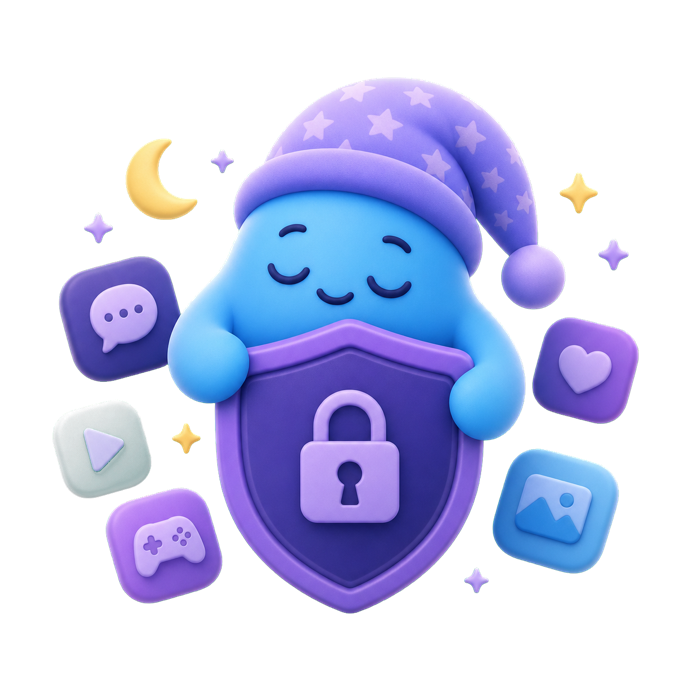
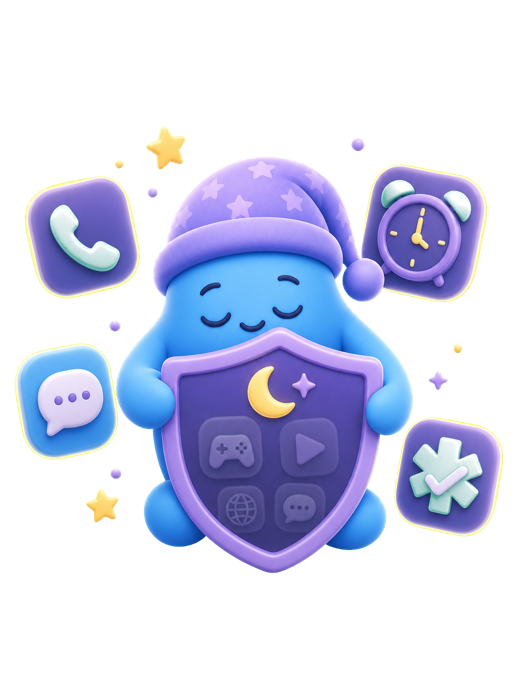
Phone, SMS, alarms, emergency features, and unselected apps continue working normally.
Use wake-up alarms that behave like the Clock app, including support through silent mode and Focus.
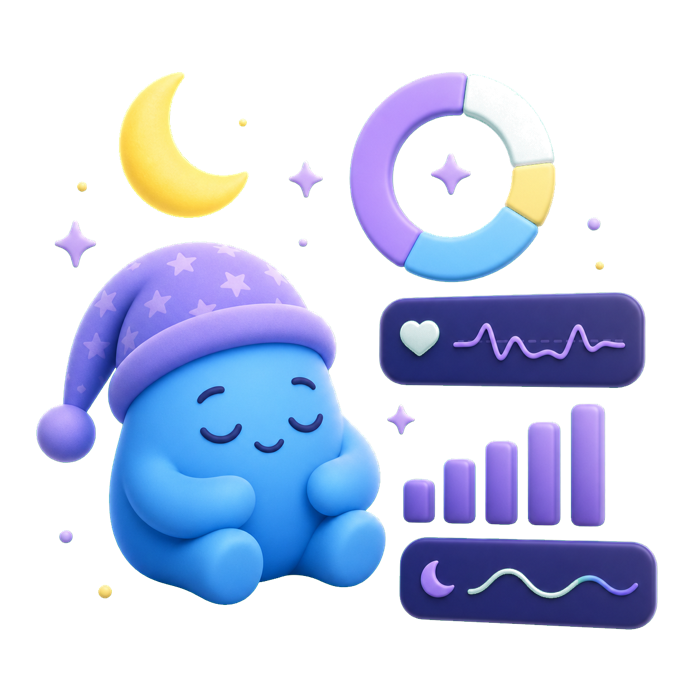
Optional HealthKit integration can show sleep duration, stages, recovery basics, and streak context from sources that sync to Apple Health.
Sleep Lock was built for people who do not want another app watching them. Your bedtime setup stays on your iPhone.
Start with a 3-day free trial. Cancel anytime in your Apple ID subscription settings.
Subscriptions automatically renew unless canceled at least 24 hours before the end of the current period. Manage or cancel anytime in your Apple ID account settings. Payment is charged to your Apple ID. By subscribing you agree to our Terms of Service and Privacy Policy.
Yes. Calls, SMS, alarms, and emergency features are not blocked by Sleep Lock.
No. Apple's Screen Time framework gives the app local opaque tokens. They stay on your device.
No. You can manage or cancel subscriptions in Settings under your Apple ID.